- Home
- Budget App
- ADHD-Friendly Budget App
What it does
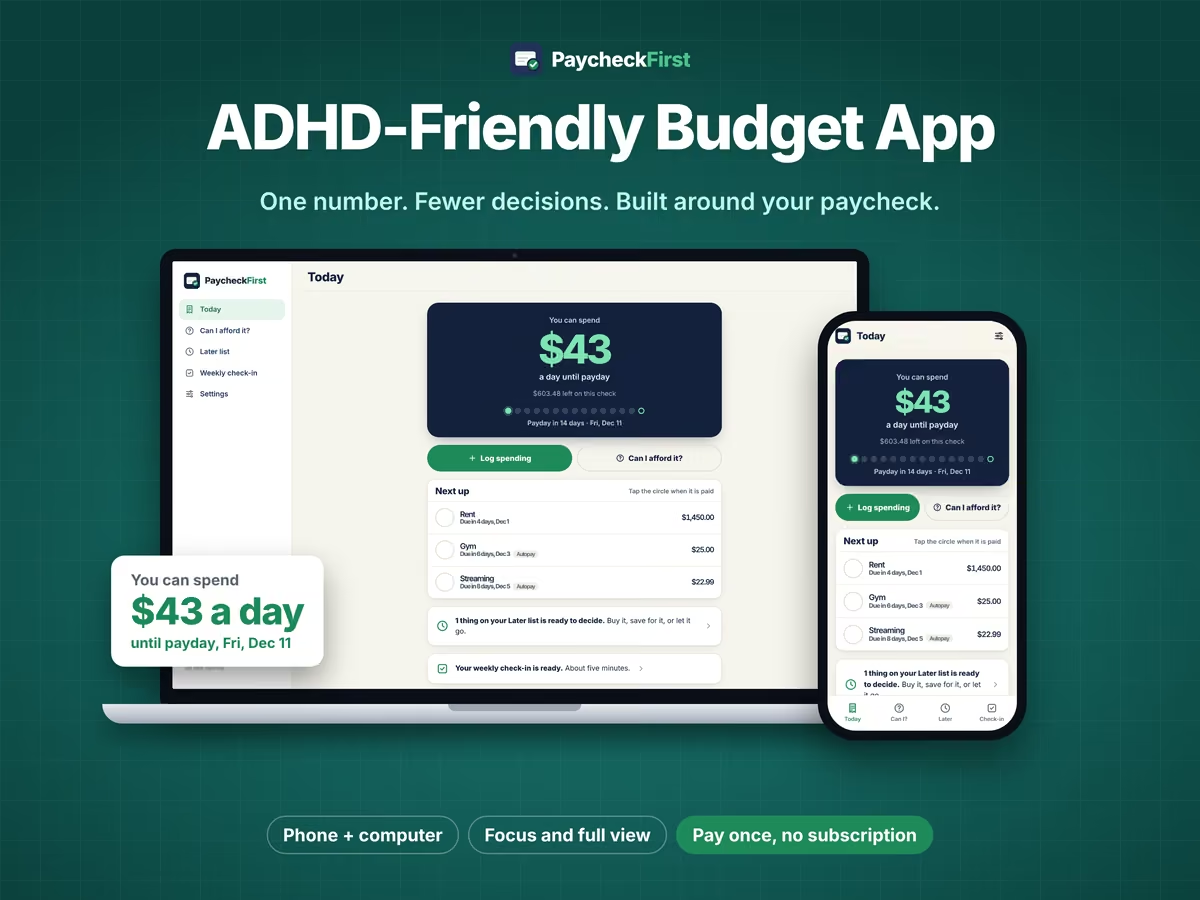
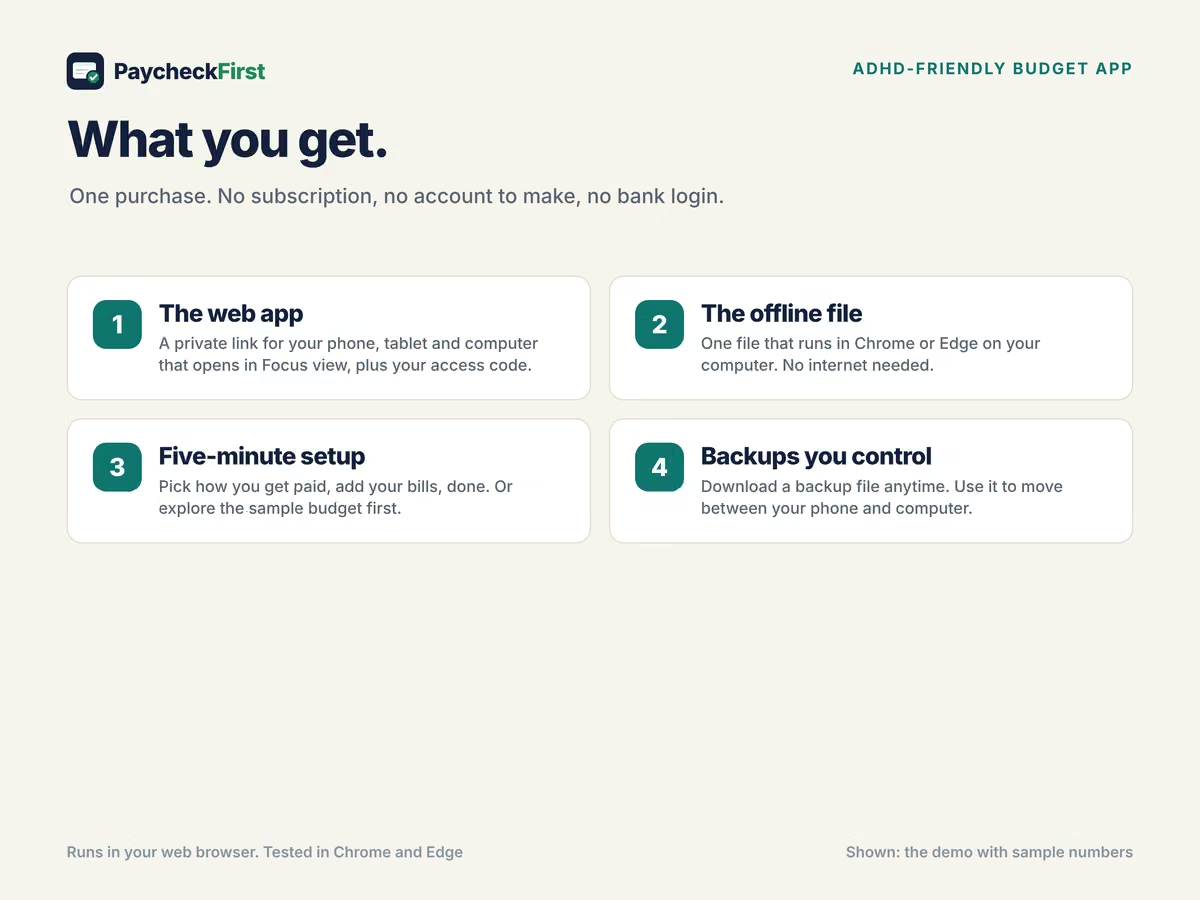
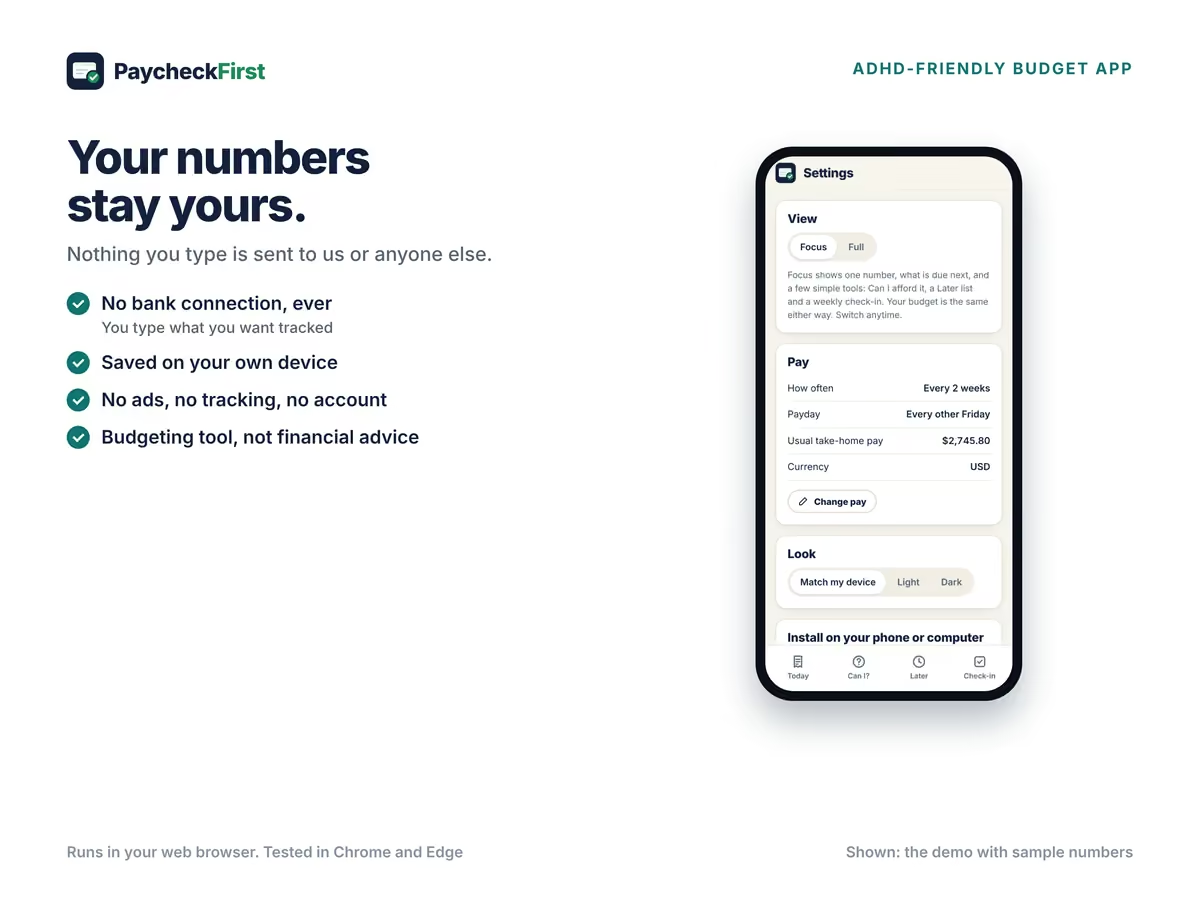
This is the PaycheckFirst Budget App with Focus view turned on. Fewer screens, fewer decisions, and the math done for you. When you want the details, one switch in Settings shows the full view. Same budget either way. Pay once. No subscription, no account to make, no bank login.
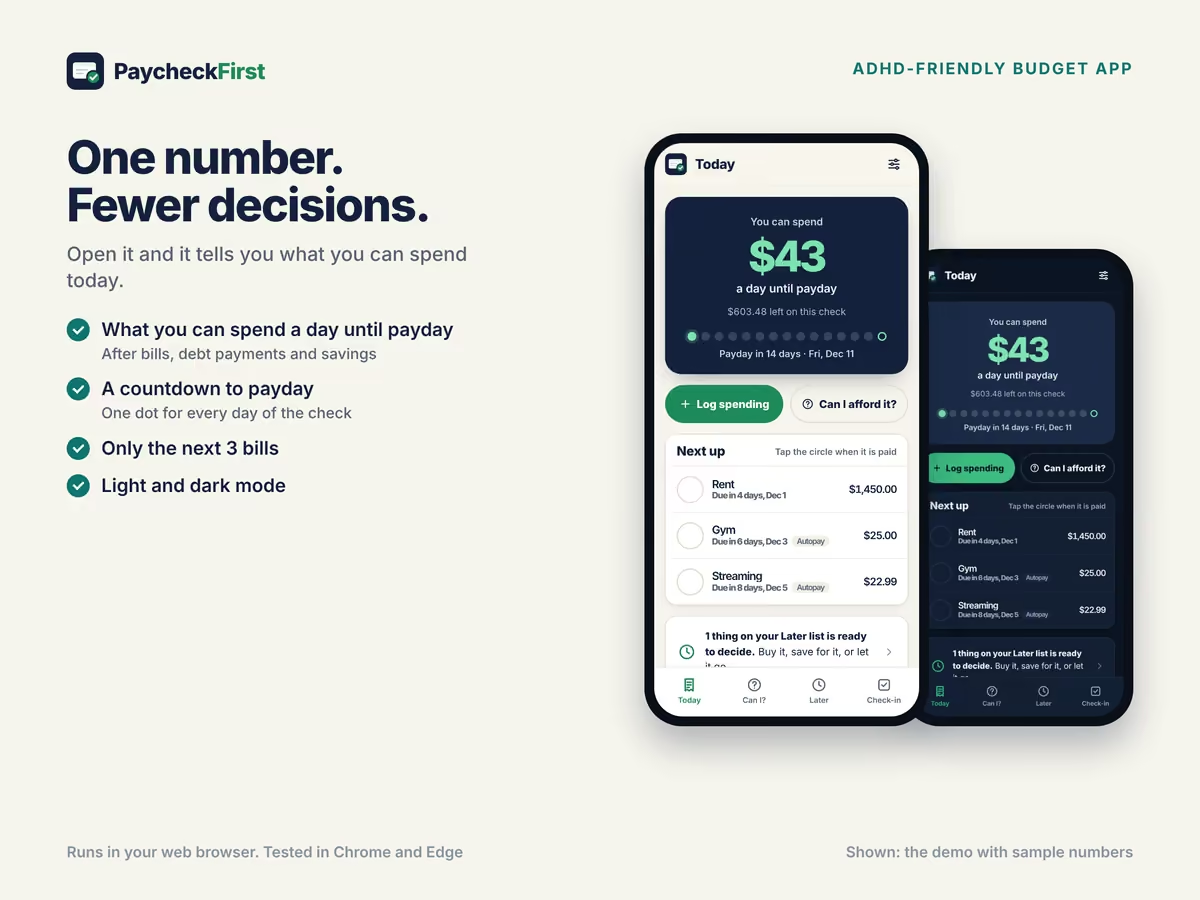
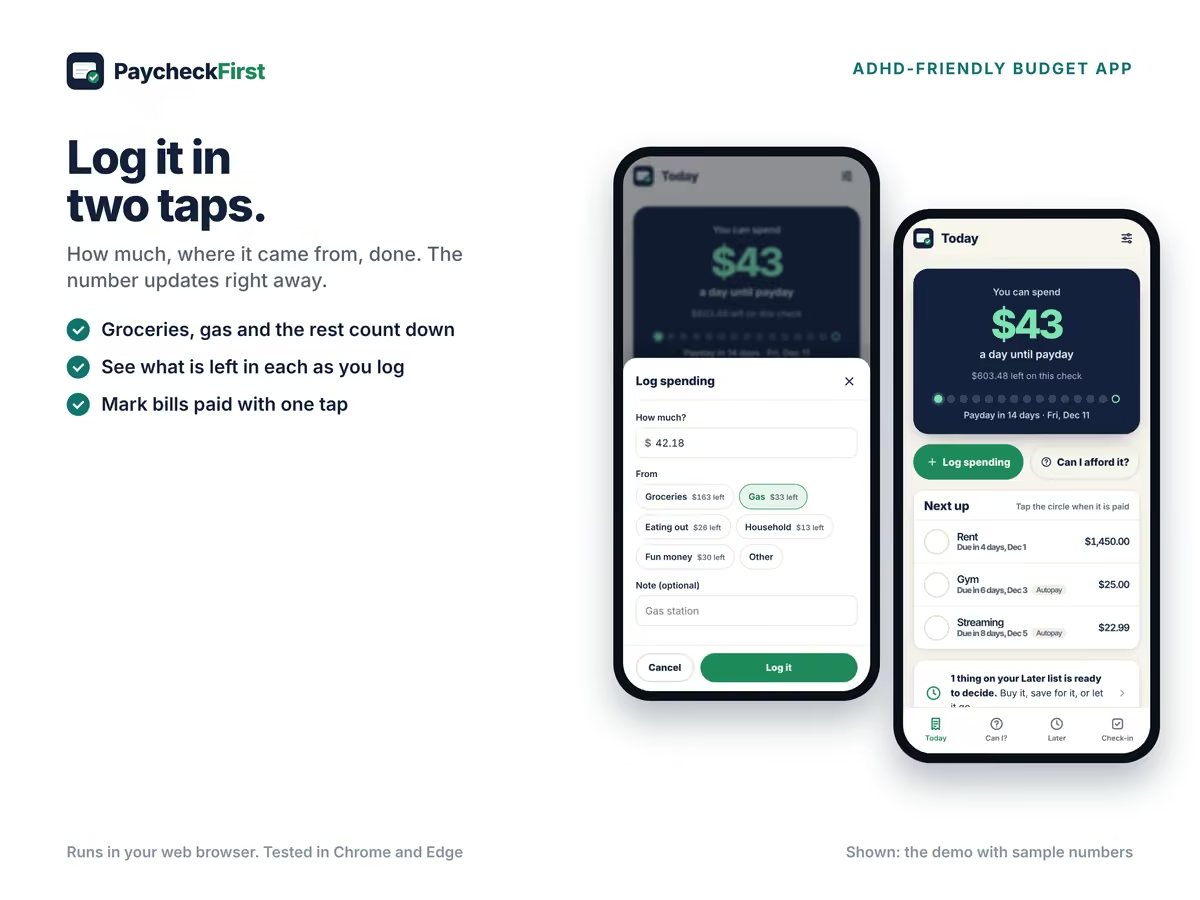
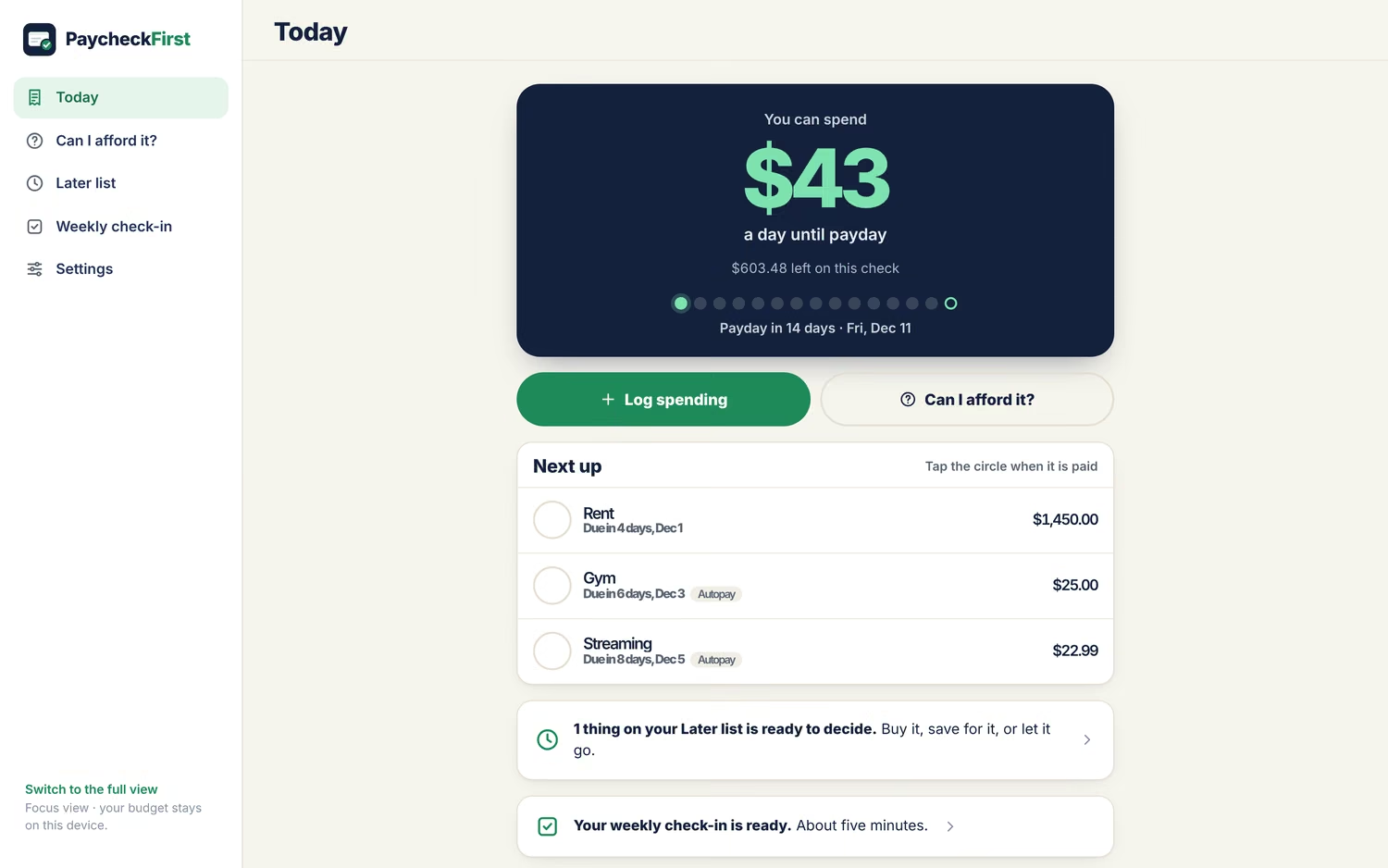
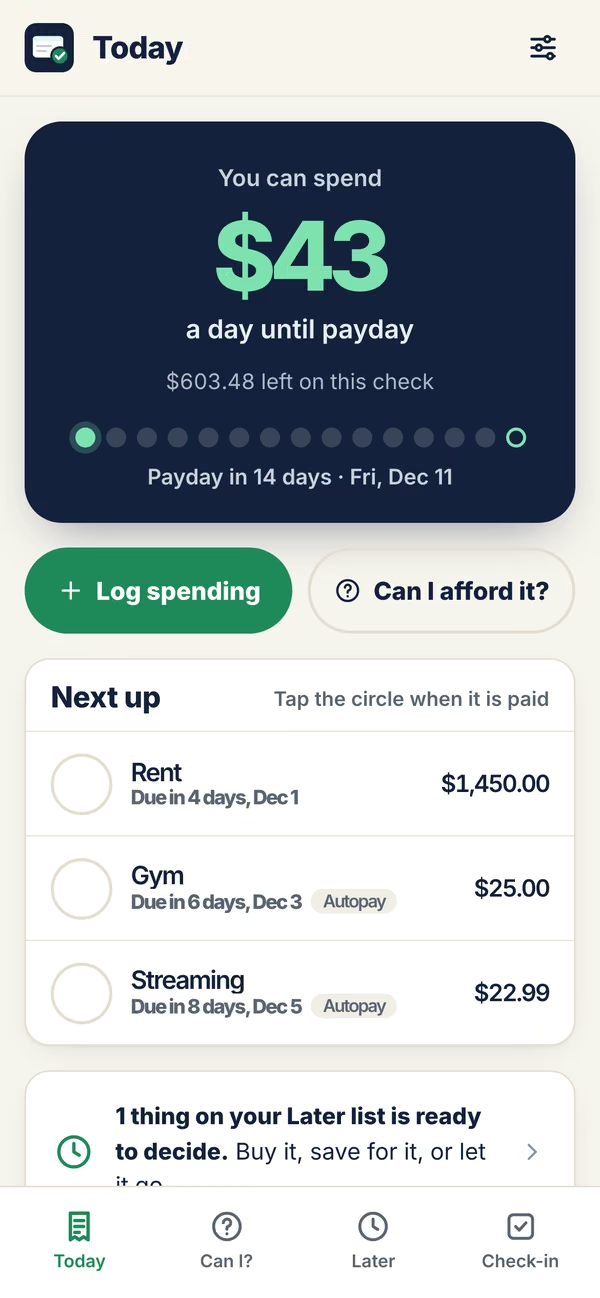
- Safe to spend todayOne number, what you can spend a day until payday after bills, debt payments and savings.
- Payday countdownOne dot for every day of the check, so you can see how far the money has to stretch.
- Next upOnly the next 3 bills. Tap the circle when one is paid.
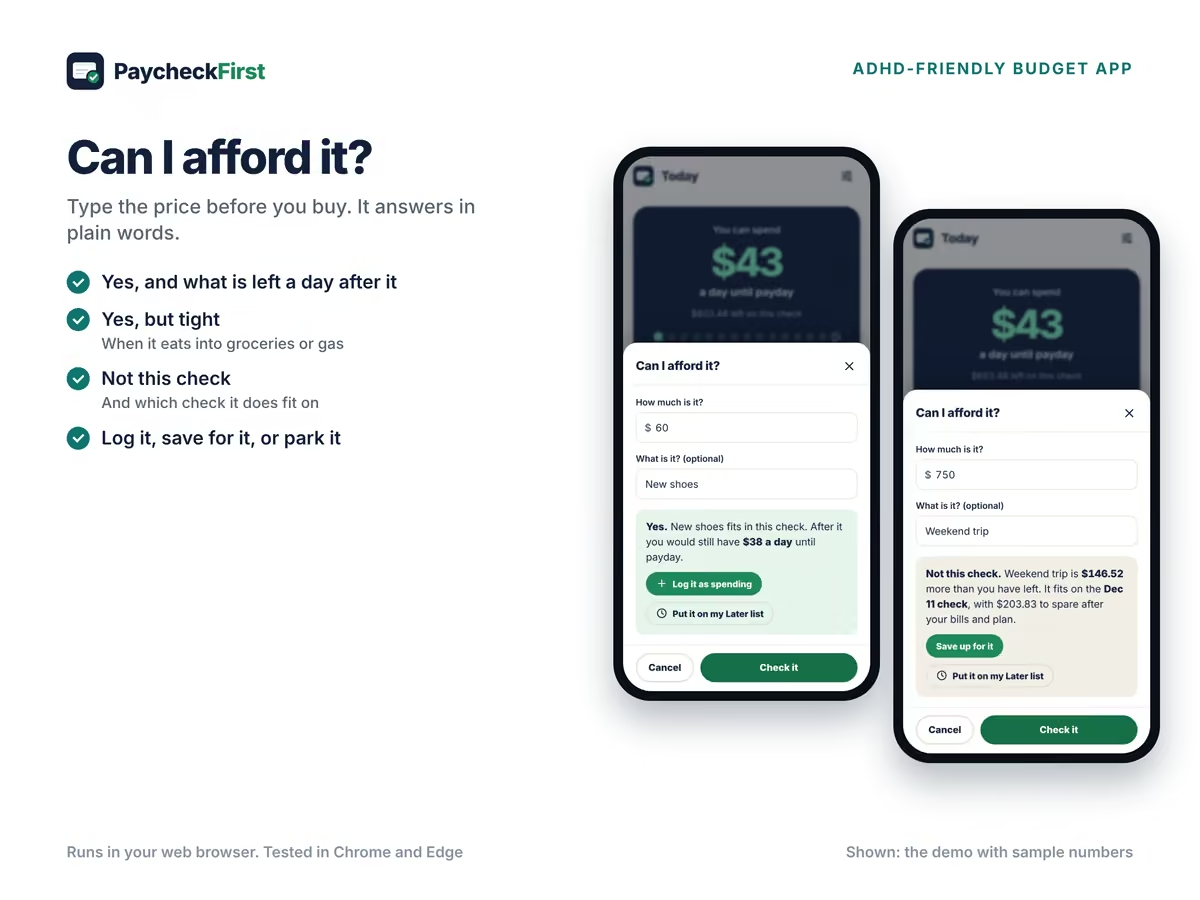
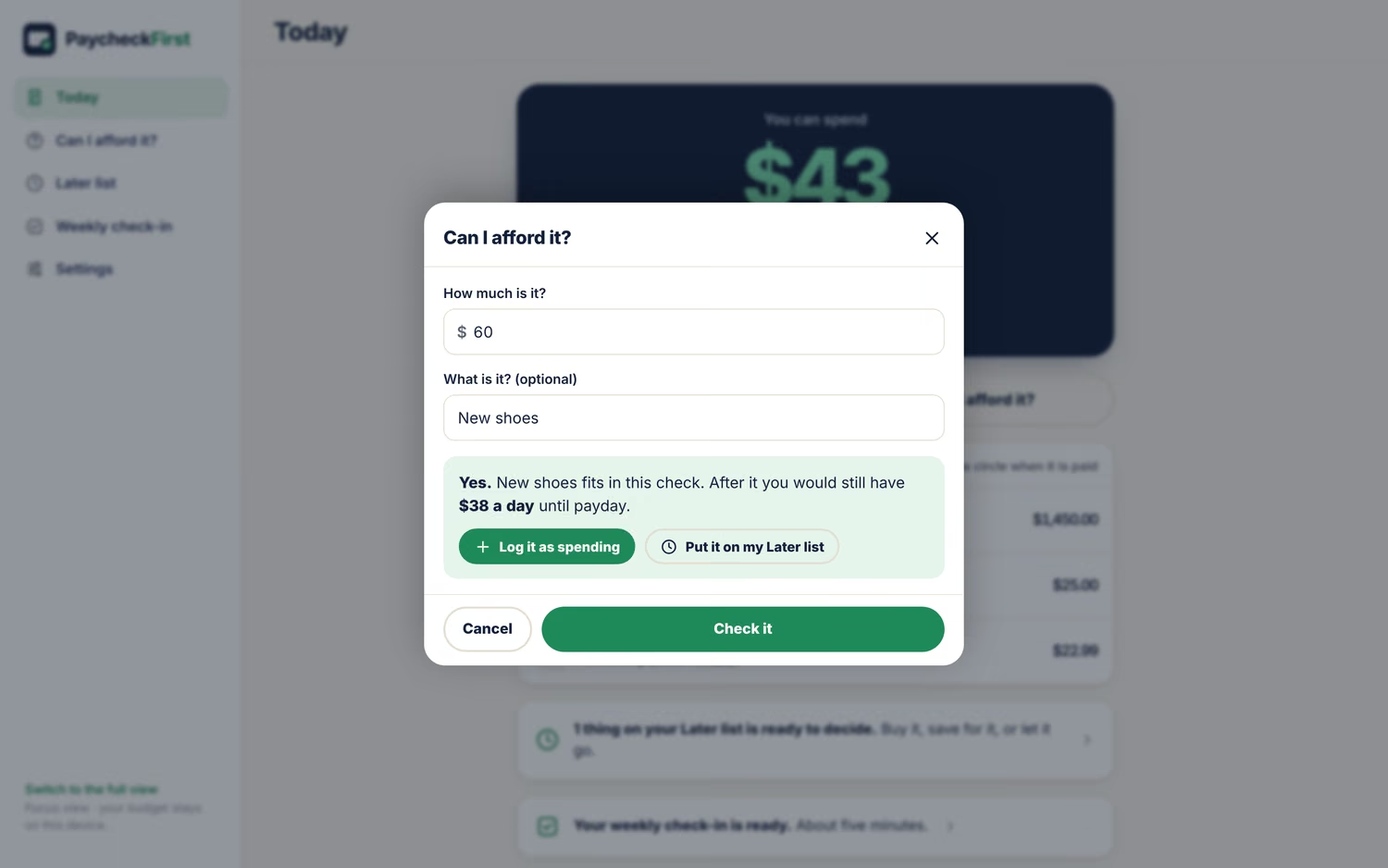
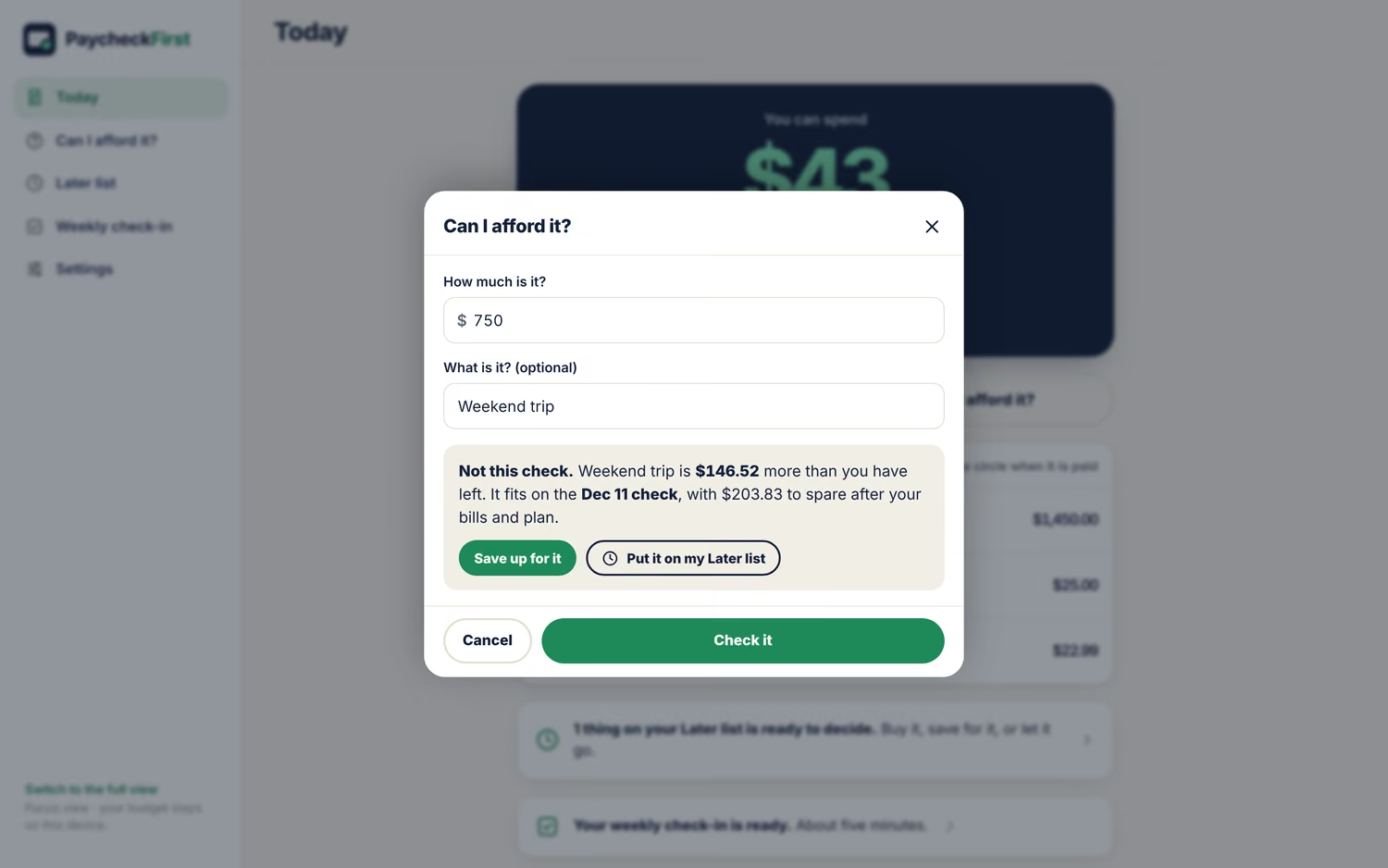
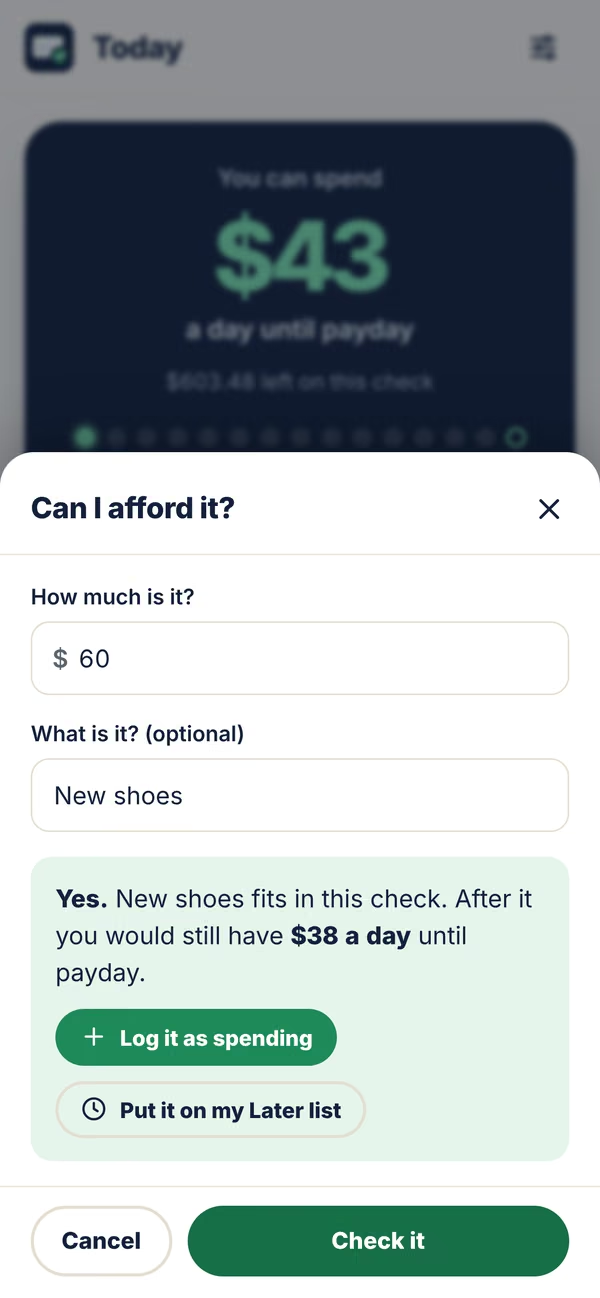
- Can I afford itType a price before you buy. It answers in plain words: yes, yes but tight, or not this check and which check it fits on.
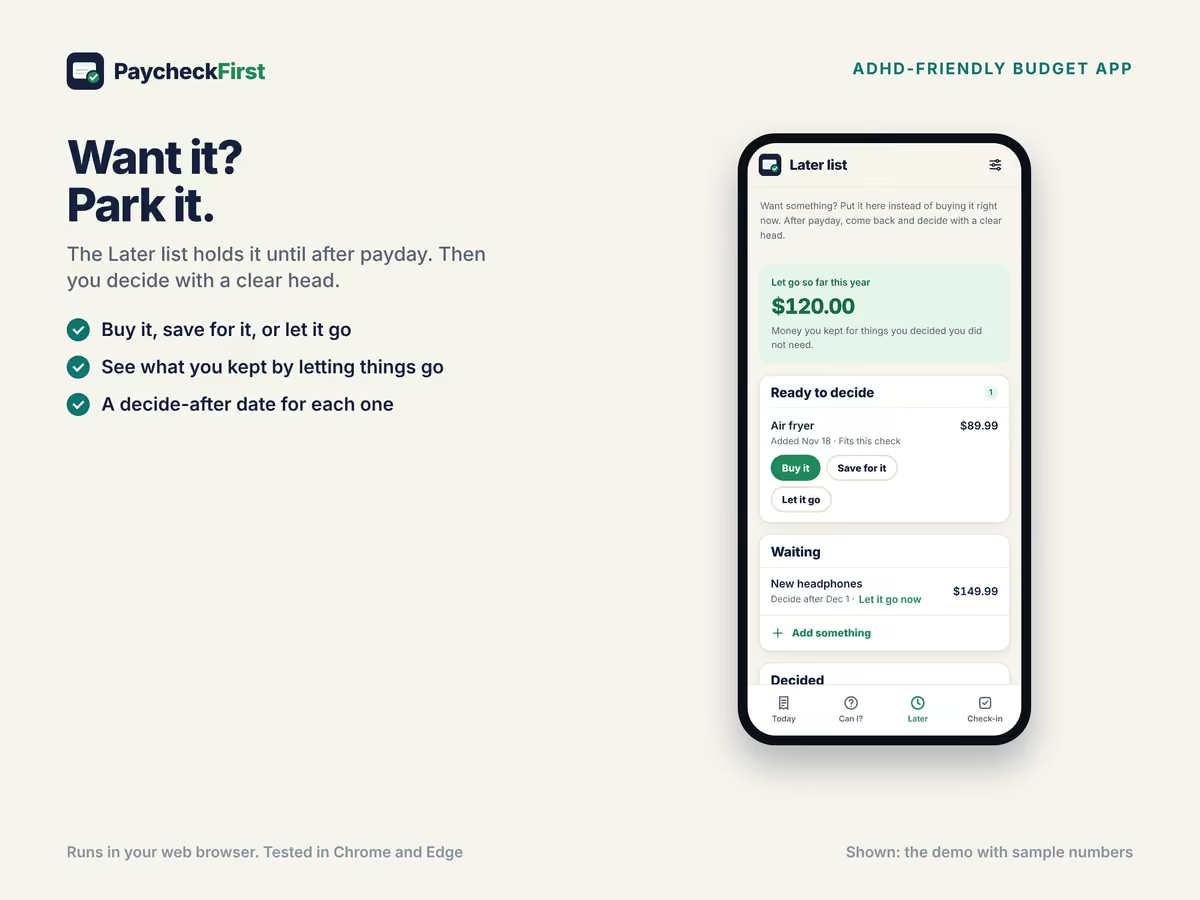
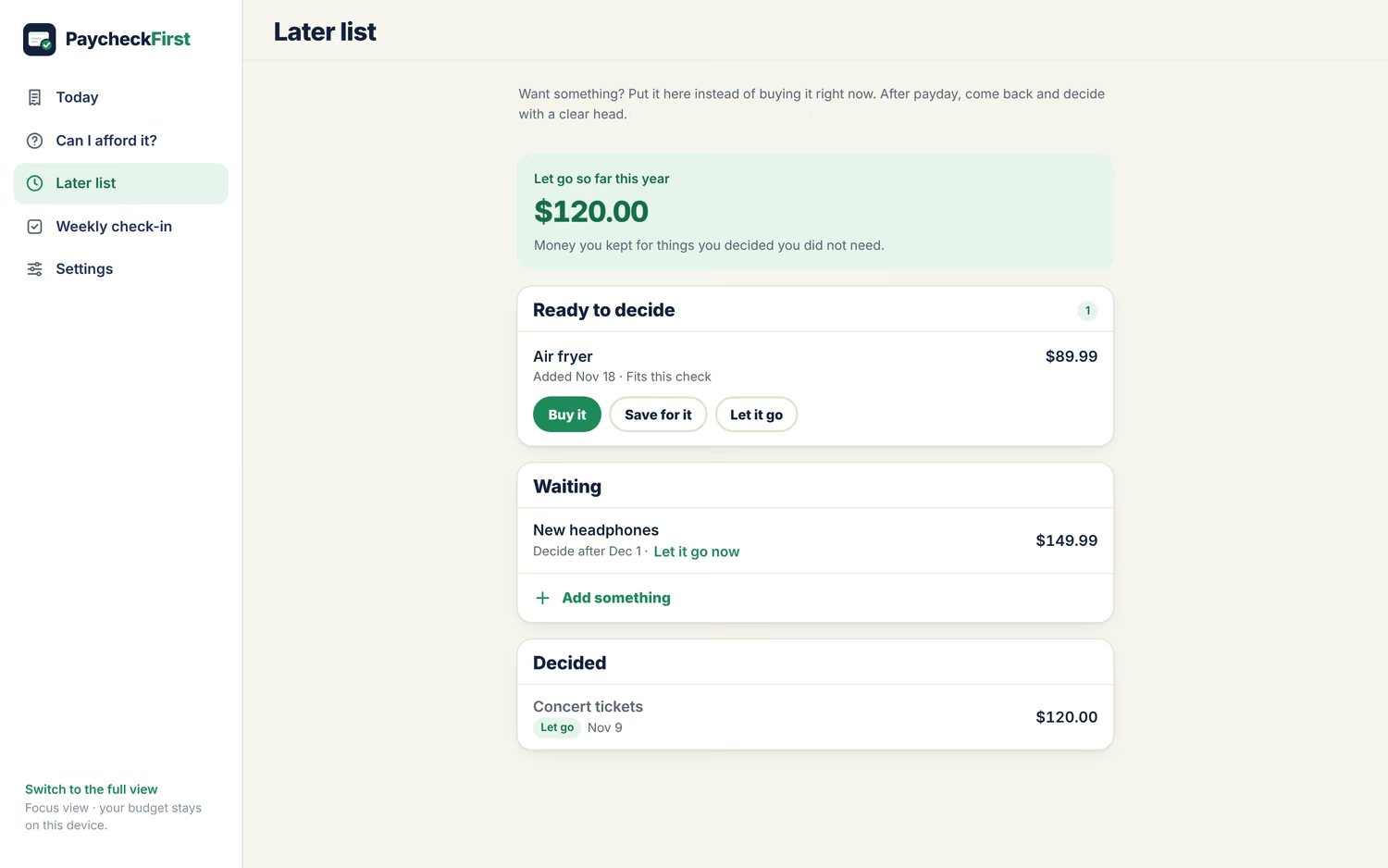
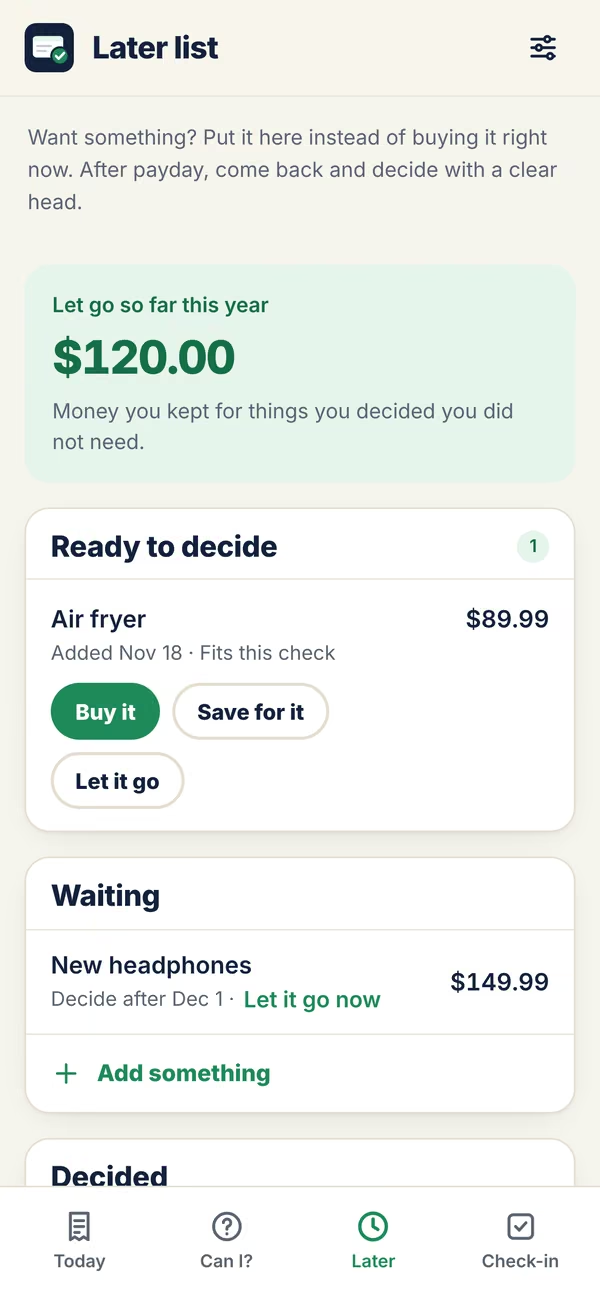
- Later listPark things you want until after payday, then buy it, save for it or let it go. It keeps a running total of what you kept by letting things go.
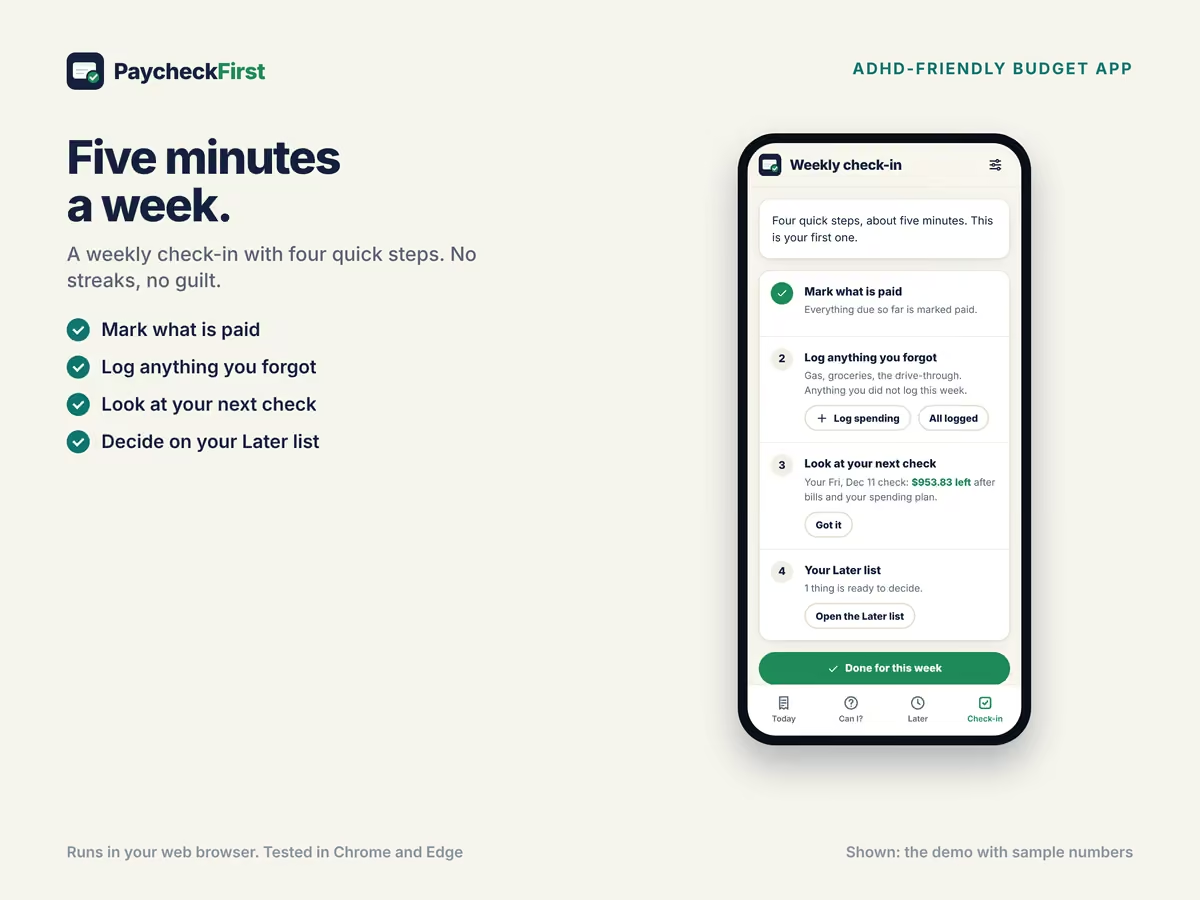
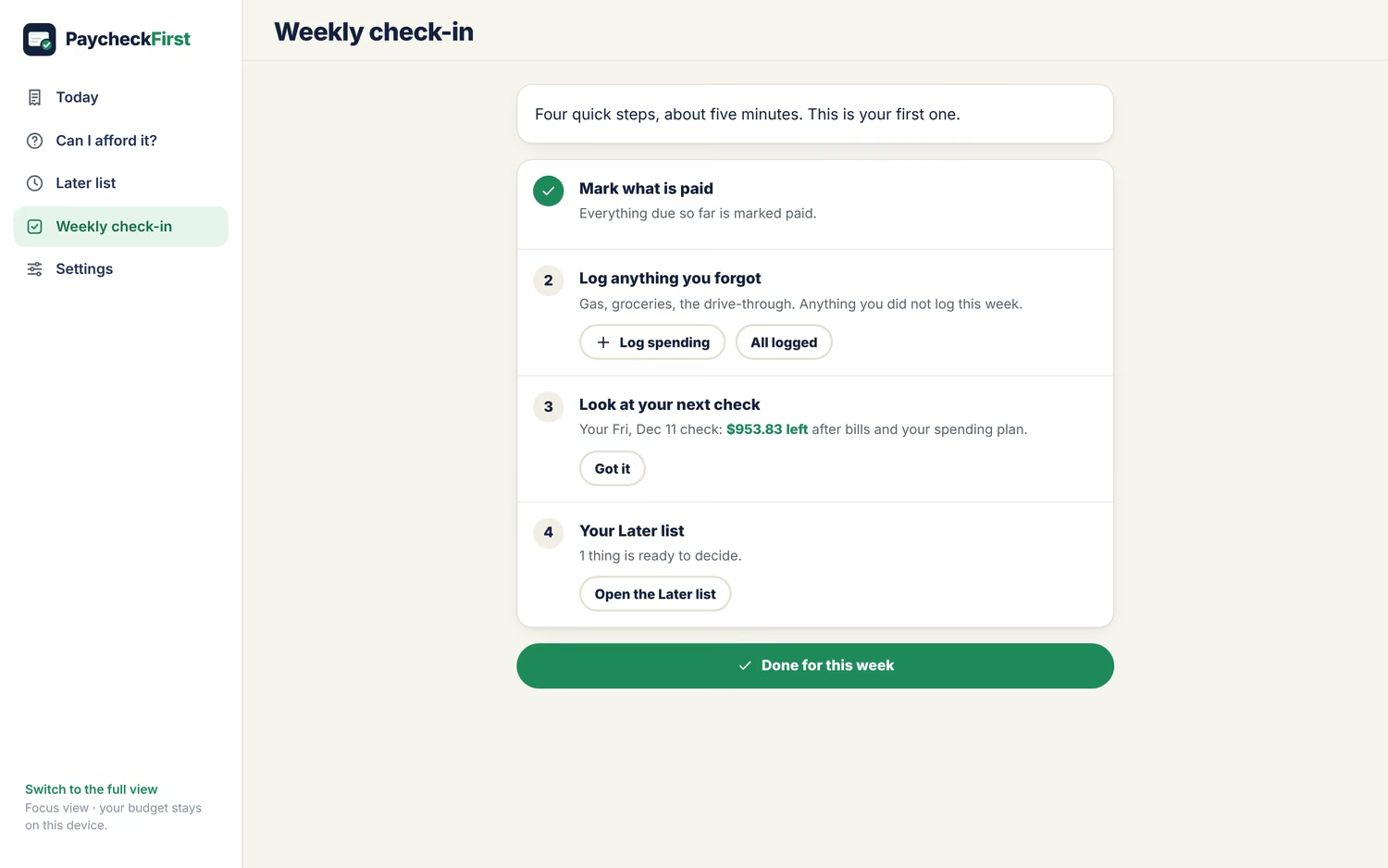
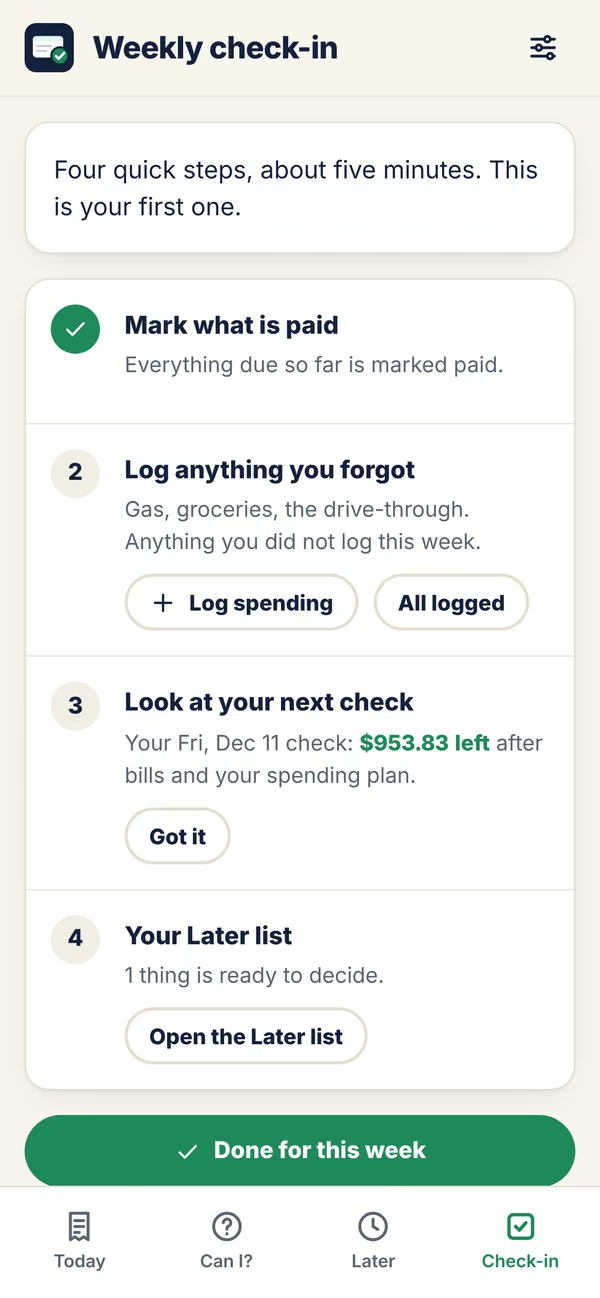
- Weekly check-inFour quick steps, about five minutes. No streaks, no guilt.
- Spending in two tapsHow much and where it came from. Groceries, gas and the rest count down as you log.
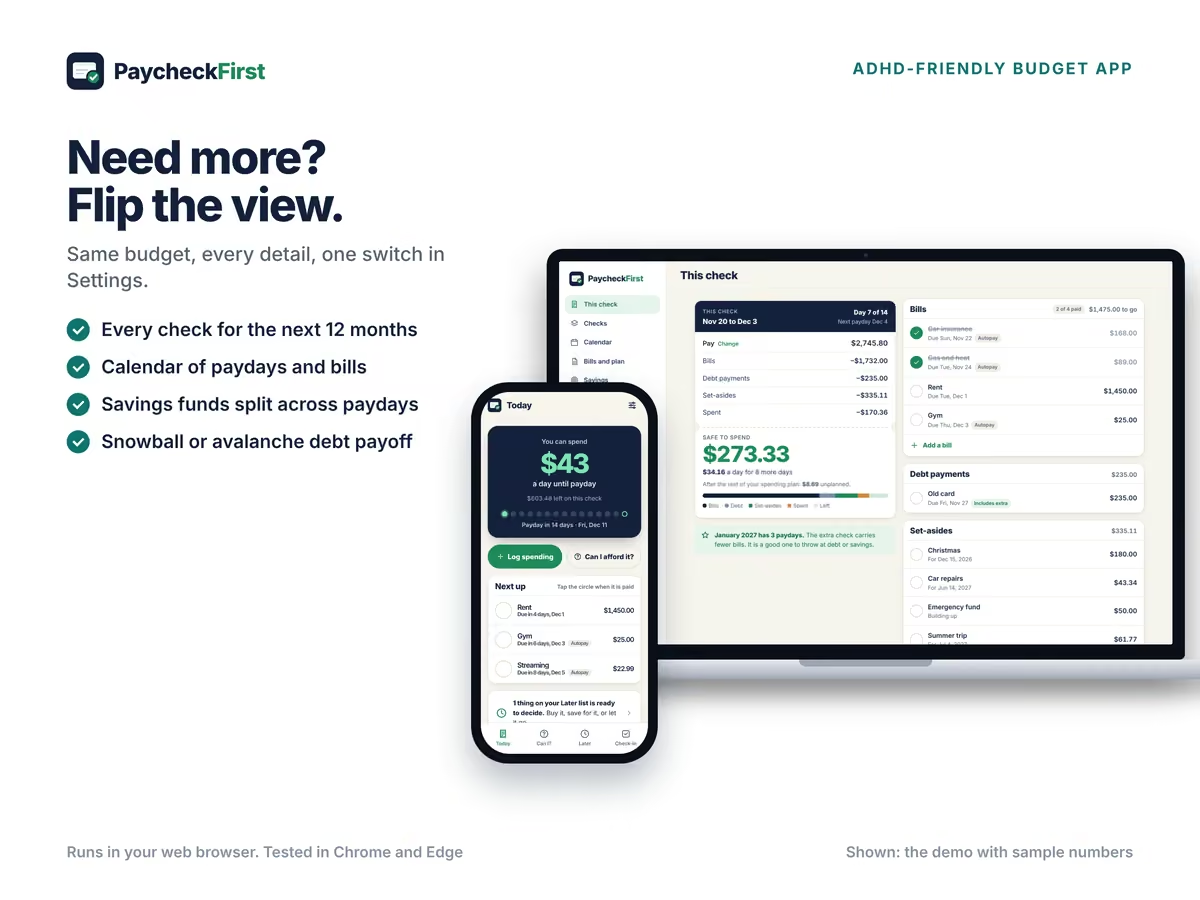
- The full view, one switch awayEvery check for 12 months, the calendar, debt payoff and savings funds. Same budget.
Inside the app
Real screens from the free demo, with its sample numbers. Click any one for a closer look.
On your phone
Add it to your home screen and it opens full screen like any other app, and works without internet.
Your numbers stay yours
- Everything you type is saved on your own device. It is never sent to us or anyone else.
- No bank connection, no ads, no tracking.
- Back up anytime with one tap, and use the backup file to move your budget between your phone and computer.
Good to know
- This is the same app as the PaycheckFirst Paycheck Budget App, set up to open in Focus view. If you already bought that one, you already have Focus view in Settings.
- Works in a current web browser. Tested in Chrome and Edge.
- Each device keeps its own copy of your budget. Use a backup file to move it.
- Clearing your browser data can erase a budget saved there, so keep a backup.
- Your access code is for your household. Please do not share it.
- ADHD-friendly here means built to cut down on screens and decisions. It is a budgeting tool, not medical or financial advice.
Guides that go with it
How to budget by the paycheck
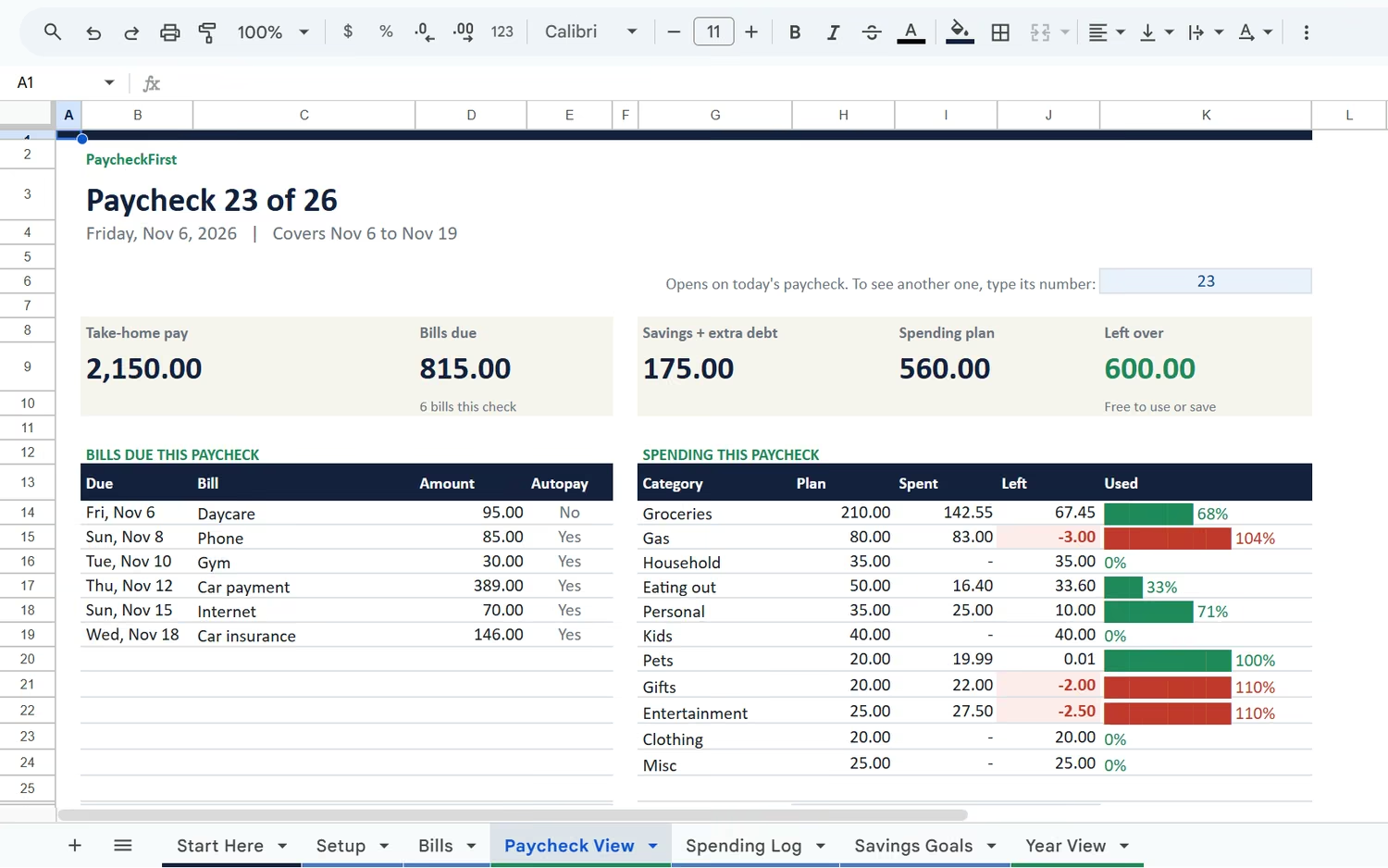
A monthly budget can say you're fine while one check comes up short. Here's how to plan each paycheck before it lands, and what to do with the months that bring an extra one.
A simple bill system so nothing gets paid late
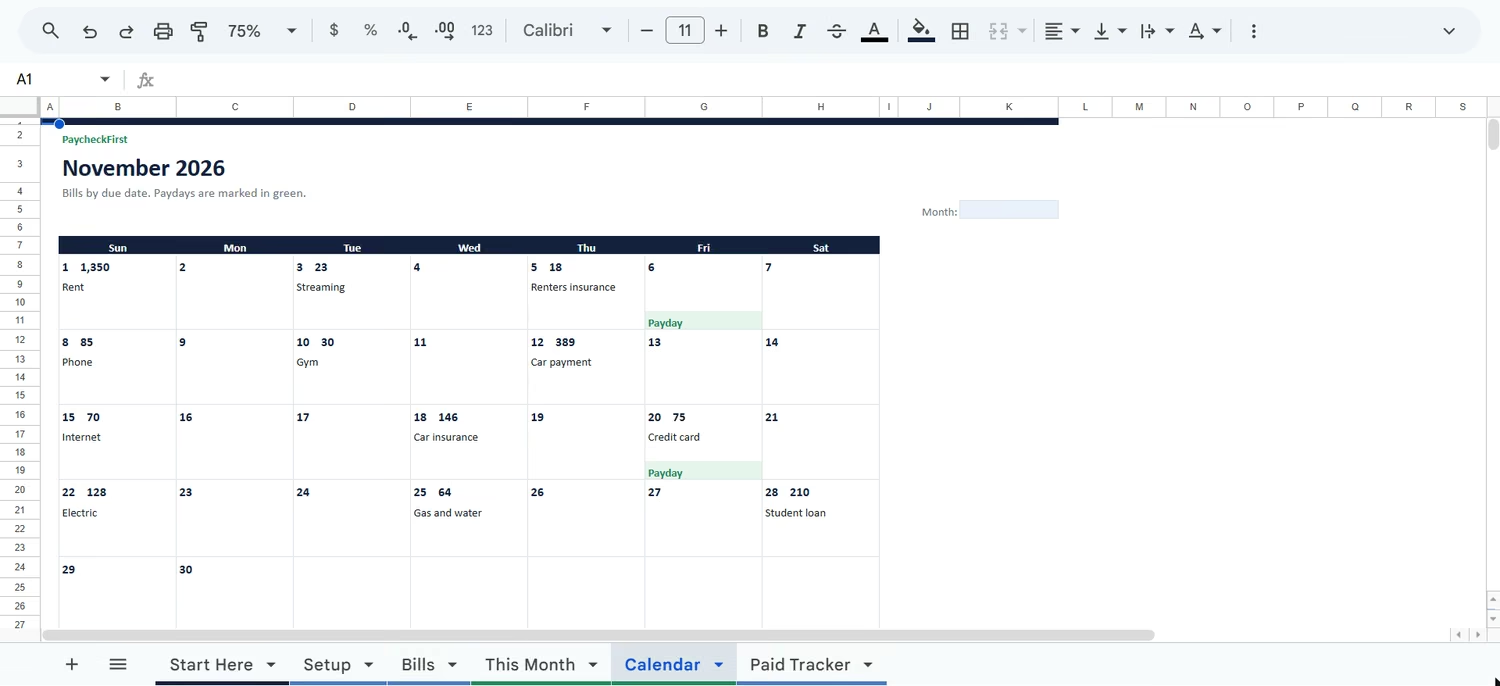
Late fees start the day after the due date, and a payment 30 days late can land on your credit report. This is the bill system I use: one list, one check-in a week, nothing left to memory.
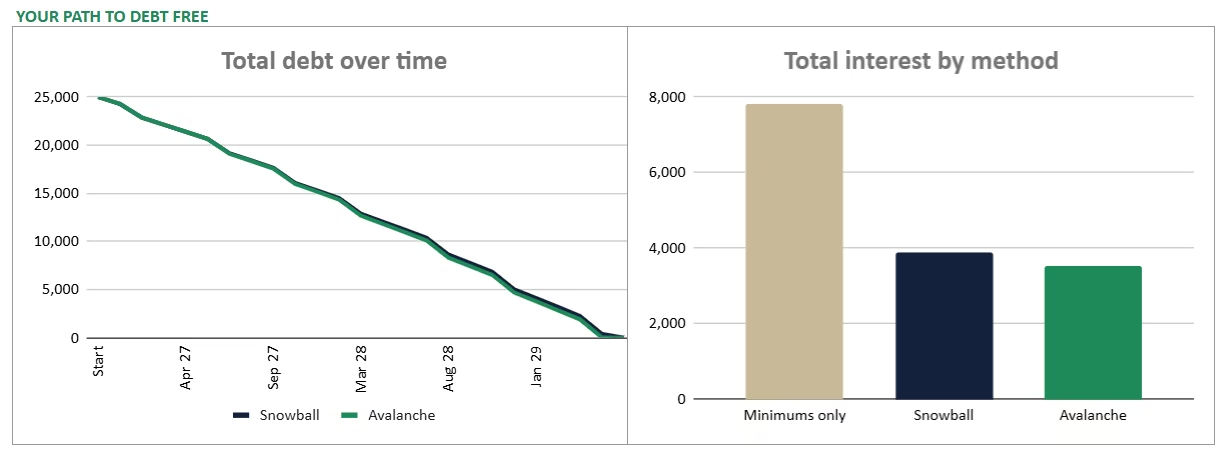
Debt snowball vs. debt avalanche: which one should you use?
Both pay off everything you owe. One saves more interest, the other gets you wins sooner. Here's how they compare on a real set of debts, and how to pick.
Questions
What is Focus view?
A simpler way into the same budget. The first screen shows one number, what you can spend a day until payday, plus your next 3 bills. Can I afford it, the Later list and the weekly check-in are one tap away.
Is it the same app as the Budget App?
Yes. It's the same app, set to open in Focus view. One switch in Settings shows the full view with every check for a year, the calendar, debt payoff and savings funds. If you already bought the Budget App, Focus view is already in your Settings.
Why call it ADHD-friendly?
It's built to cut down on screens and decisions: one number up front, answers in plain words, and no streaks or guilt. It's a budgeting tool, not medical or financial advice.
Can I try it before I buy?
Yes. The free demo opens in Focus view with sample numbers at app.paycheckfirst.com/?demo&focus. Nothing you change in the demo is saved.
Is there a subscription?
No. You pay once on Etsy. There's no account to make and no bank login.
Where are my numbers saved?
On your own device. They're never sent to us or anyone else. Back up anytime with one tap, and use the backup file to move your budget between your phone and computer.
What does it run on?
A current web browser on your phone, tablet or computer. It's tested in Chrome and Edge. Add it to your home screen and it opens like an app and works without internet.
You might also need
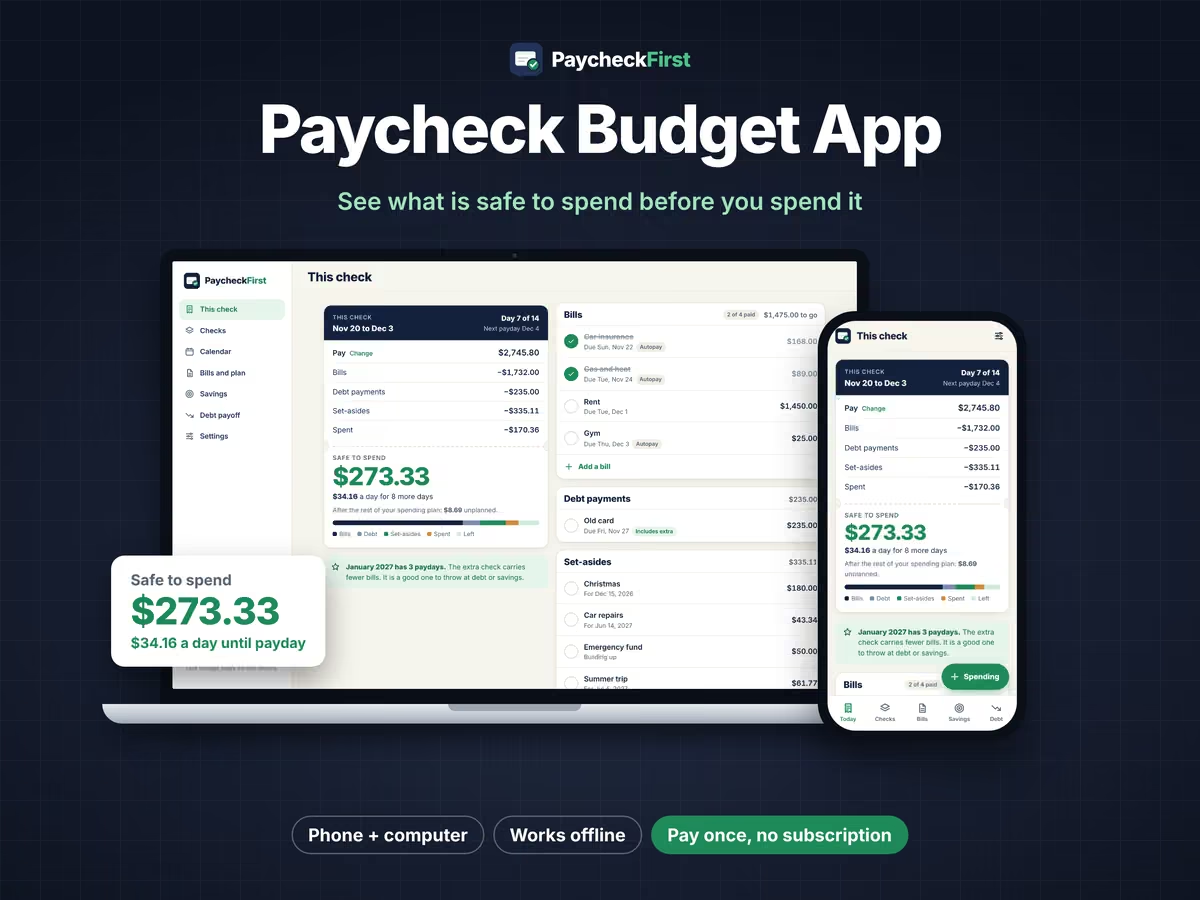
Budget App
Your paycheck plan on your phone and computer: safe to spend, every check for a year, and your debt-free date.
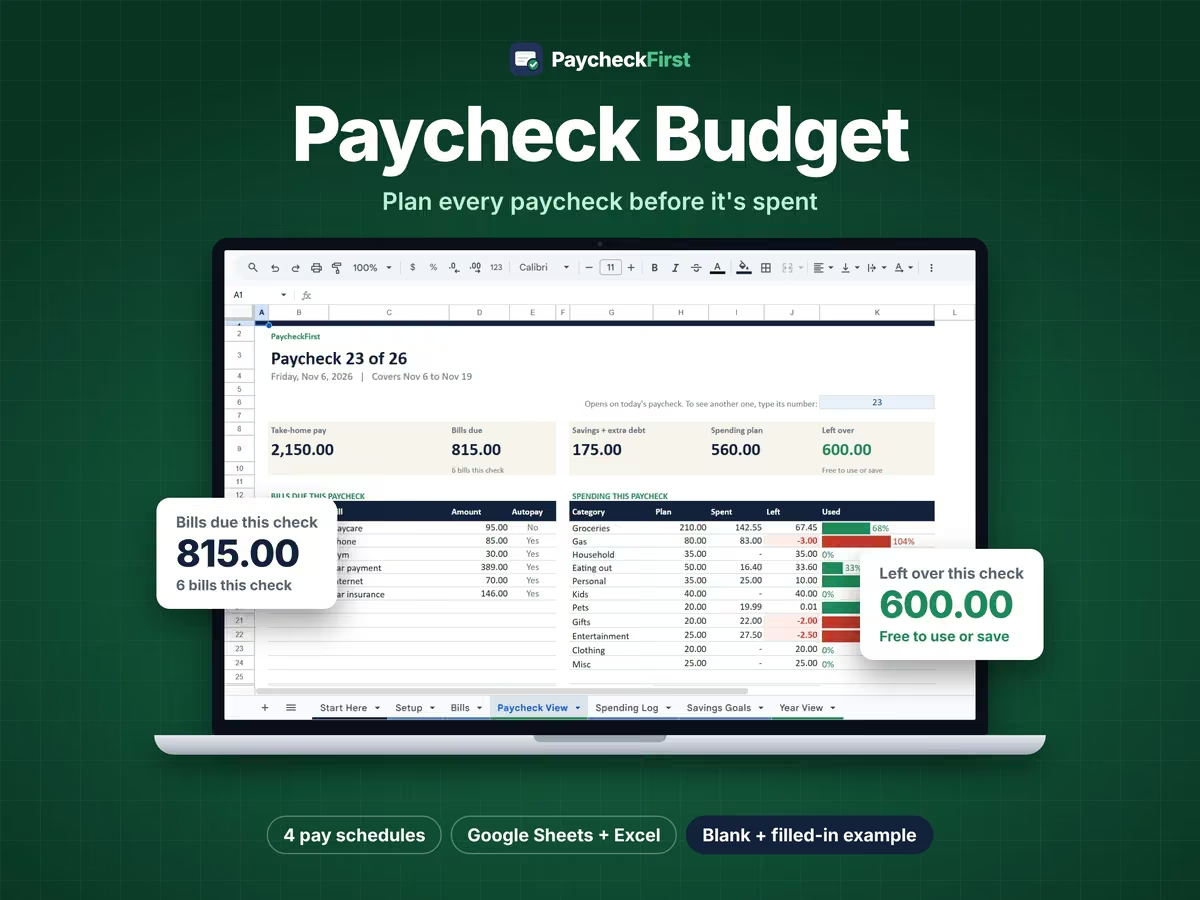
Paycheck Budget
Every bill lands on the check that pays it. Weekly, every 2 weeks, twice a month or monthly pay.
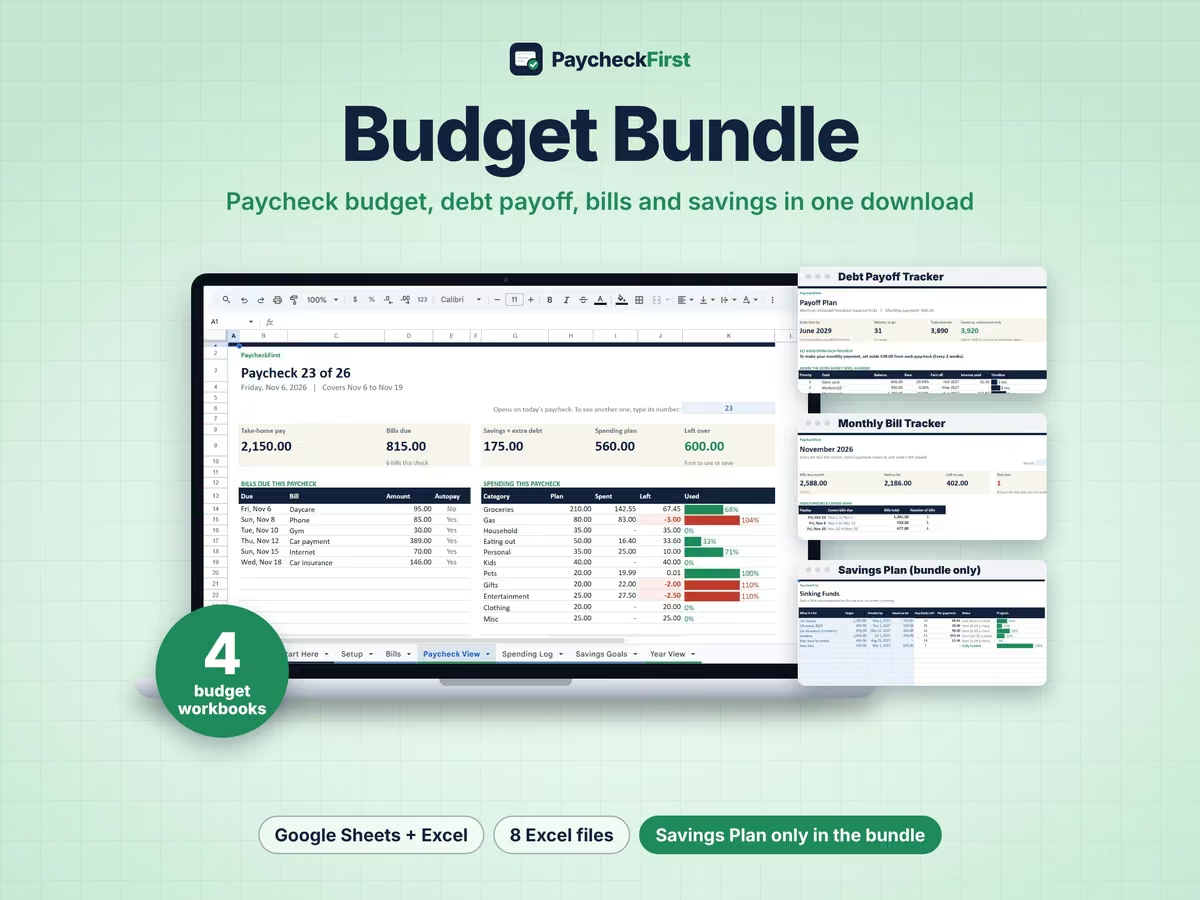
Budget Bundle
The Paycheck Budget, Debt Payoff Tracker and Bill Tracker, plus the Savings Plan you can only get here.